Frutiger Home Decorating & Edit Style
Pick a layout, open the catalogue, then Edit Style recolours what you placed. Everything auto-saves in the demo too.
Short answer
Decorating is the whole game: you choose a house layout, place frutiger aero furniture from the catalogue, and then restyle what you placed through a window called Edit Style — a palette grid with colour controls and a Confirm button. In the demo your house saves automatically as you decorate, and the developer says that progress carries into the full game.
The loop, step by step
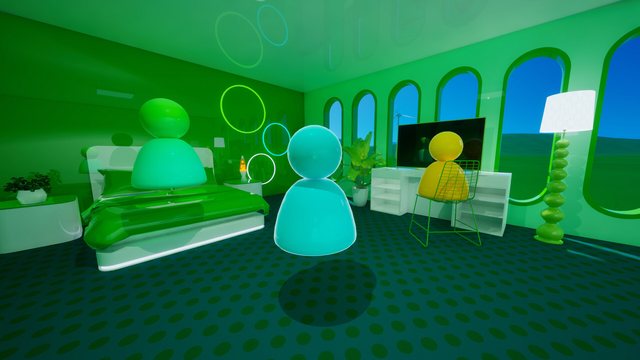
- Pick a home layout. The store page describes this as the first step: you choose a layout rather than starting from a blank void. The demo ships with the Frutiger Eco house.
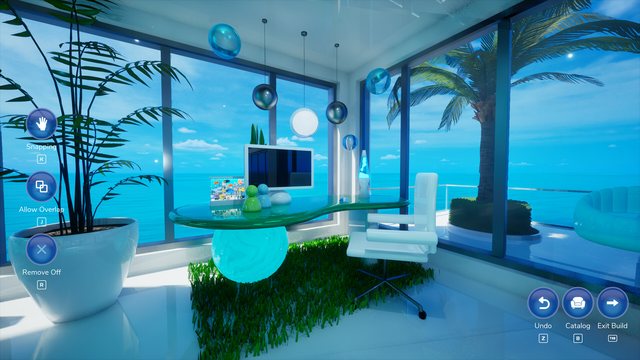
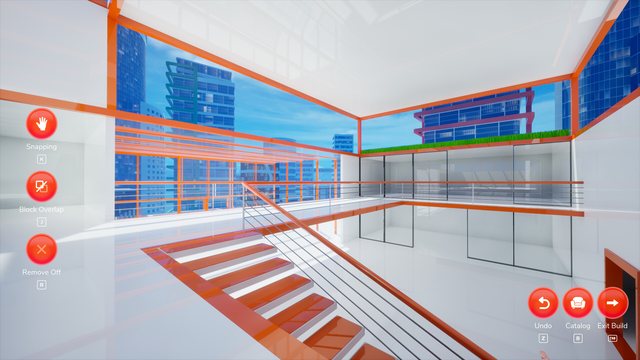
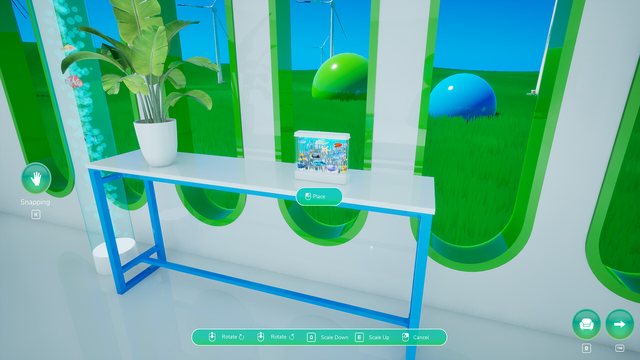
- Open the furniture catalogue and place items. The official screenshots show a first-person view with a catalogue open and a vertical icon rail on the left plus a button cluster in the bottom-right corner.
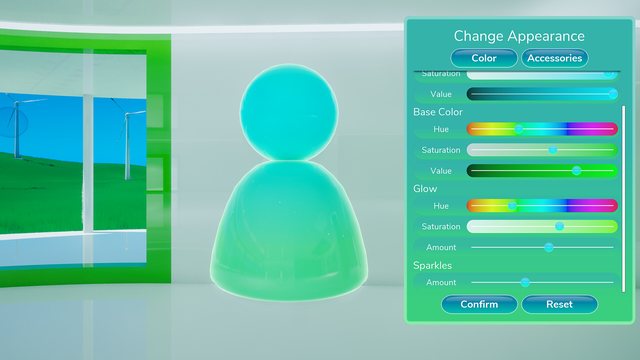
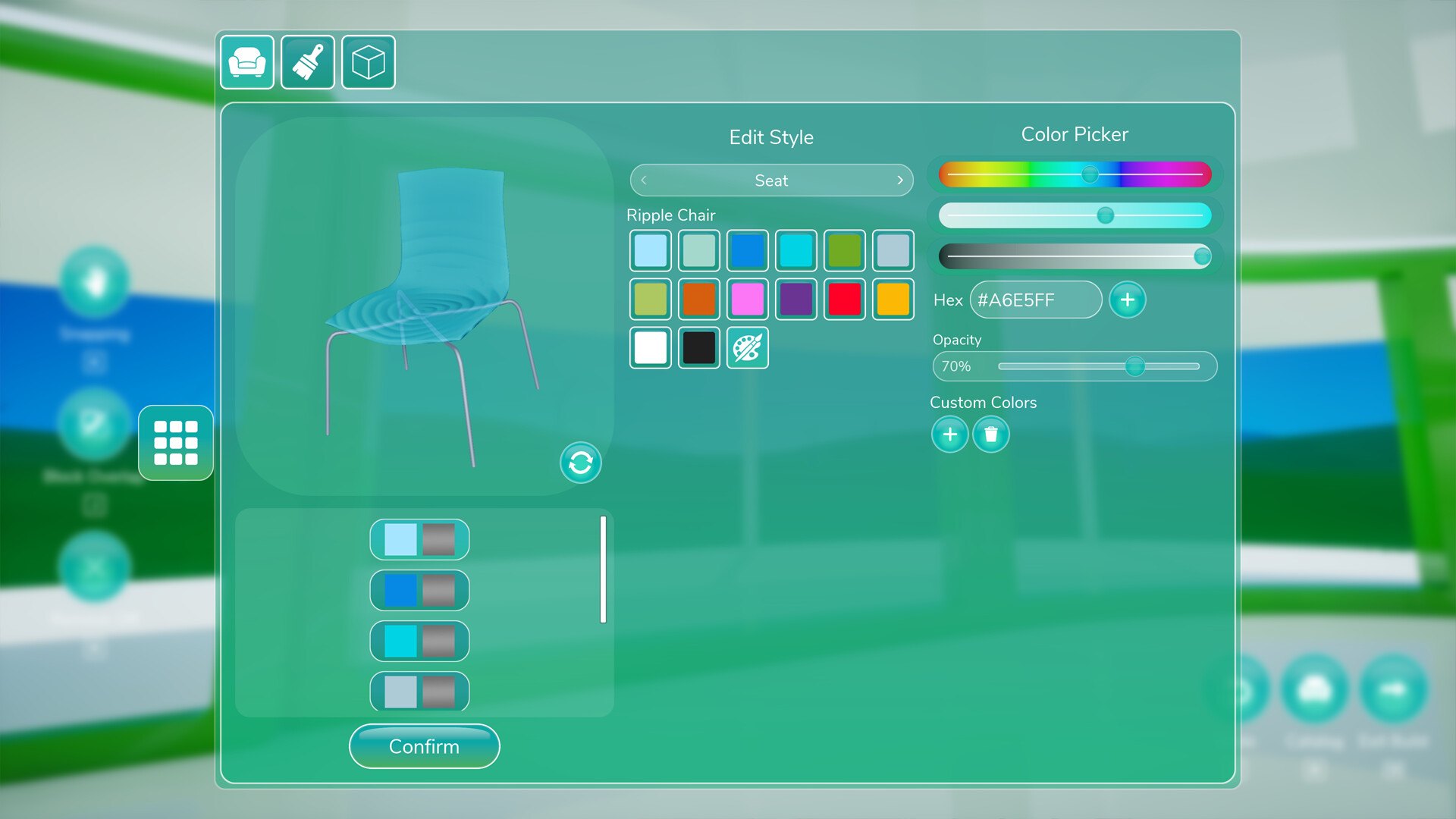
- Restyle what you placed with Edit Style. Open it on a placed item and work through the Color Picker — see the transcription below.
- Keep going — it saves as you go. The developer's 5 June 2026 demo post states the house saves automatically while decorating and carries over into the full game.
The Edit Style window, element by element
Transcribed from the official Steam screenshot of the demo build:
| Element | Visible text |
|---|---|
| Window title | Edit Style · Color Picker |
| Part selector | Seat (dropdown with arrows) |
| Item name | Ripple Chair |
| Colour input | Hex — #A6E5FF in the screenshot |
| Opacity | 70% in the screenshot |
| Extras | Custom Colors section with add and delete buttons |
| Button | Confirm |
| Swatches | about 14 colour squares, plus an eraser / no-colour square |
Two of those rows matter more than they look:
- The part selector means styling is per part, not per object. You can restyle a chair's Seat without touching the rest of it. If a piece of furniture looks wrong, check which part you are editing before you assume the tool is broken.
- The Hex field and Opacity slider mean styling is exact. You can type a colour and dial how transparent it is, instead of nudging presets.
#A6E5FFat 70% opacity is a very frutiger aero combination — pale cyan, slightly glassy.
What the demo actually gives you
| Element | What the demo period shows | Source |
|---|---|---|
| Layout | Frutiger Eco house | Developer's 5 June 2026 demo announcement |
| Saving | Automatic while decorating; carries into the full game | Developer's 5 June 2026 demo announcement |
| Styling UI | "Edit Style" window with palette grid, sliders, Confirm | Official Steam screenshot |
| Media sharing | Images and music can be shared between friends, with a moderation prompt first | Developer's 15 June 2026 v0.1.0 demo update |
| Catalogue size | Not published. No source lists how many items exist | — |
| Room count / house size | Not published. The demo gives one layout | — |
Complaints that are about decorating, not bugs
Three demo threads are worth reading before you plan a build:
- "I couldn't color pick" (30 June 2026). A player decorating a whole bedroom could not use a colour-picker style workflow. The window in the official screenshot has a Hex field, an Opacity slider and a Custom Colors row, so it is not obvious what was missing for them — possibly the part selector was on the wrong part, possibly the workflow was not discoverable. Unresolved either way.
- Window customization request (27 June 2026). Asked for repeatedly and enthusiastically. Not confirmed as a launch feature.
- "Some frustrating building" (7 August 2026). The same player praised the look and feel but got stuck on windows and doors. That one gets its own page here: Building walls, windows & doors.
Decorating with other people
If you are building together, two things from the official notes change how you should organise a session:
- Media sharing is a real feature, not a wish. The v0.1.0 demo update added sharing of images and music between friends, and the developer added a moderation prompt before media is shared — meaning the receiving side is asked before something lands in their house.
- There is no confirmed always-on host. A 12 August thread asks for a permanent private server; no developer reply confirmed it before launch. Until that changes, treat sessions as something you start together rather than a place that is always open.
Common questions
Is Edit Style per-item or per-room? The screenshot shows a single window with one palette and one Confirm action, which reads as per-item styling rather than a global theme switch. The store page does not describe a room-wide theme tool.
Can I undo a styling change? No undo is described in the store text or the announcements. Since the demo auto-saves while you decorate, treat a styling change as something you reverse by hand rather than roll back.
Do I need the catalogue to be complete before decorating? No. Nothing in the official material describes unlocks gating furniture behind progress, and the demo threads talk about placing freely from the start.