Frutiger Home co-op and multiplayer
Online co-op is available. For room-joining failures, update both copies and capture the exact error; 1.0.2 addresses cross-region entry problems. Receiving shared media needs permission; global music is in settings.
Build together in the released game
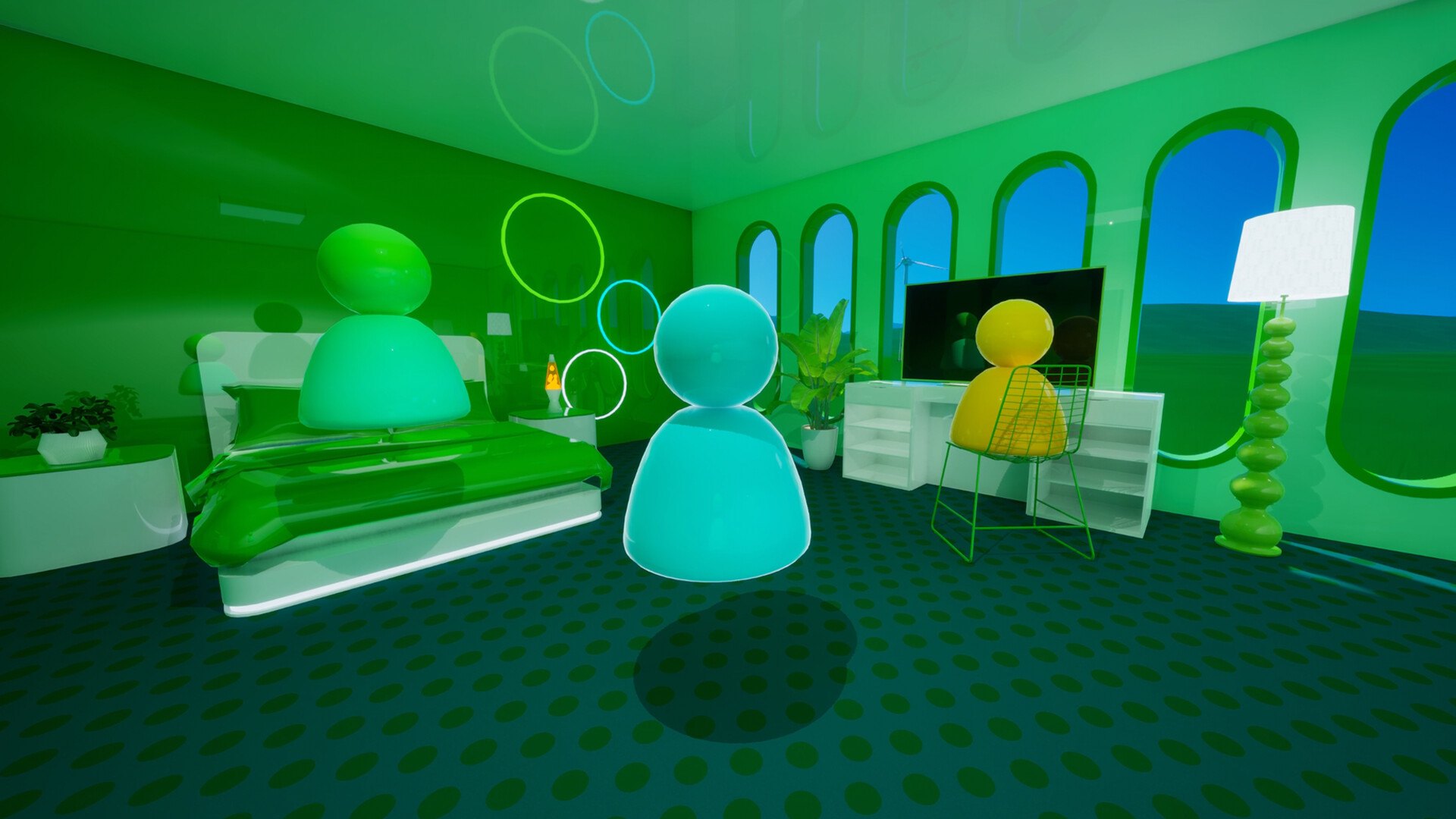
Steam lists online co-op for Frutiger Home. Use the released game when comparing current fixes: 1.0.2 addresses cases where players could not join houses across regions. The developer describes it as a fix attempt and asks for reports from players still unable to join.
If a friend cannot enter your house
- Check Steam for an available update on both machines and restart the game normally.
- Confirm both people are opening the intended full game or demo. A separately installed demo is a different application.
- Try the session again and record the exact message and the stage where it fails.
- Note whether the same-region/cross-region comparison changes the result, and whether the host remains in the house.
- Send the version and reproduction steps to the developer's Steam forum or official support channel if it persists.
Reaching a room and then crashing is a different symptom from failing to join it. Use the crash guide for a Fatal Error dialog. Avoid changing several router or security settings at once without instructions specific to the error.
Images and music need receiving permission
The demo v0.1.0 update adds sharing of images and music between friends. Before media is shared, the receiving player is asked for permission. The same announcement says these permissions can be managed in settings.
If the room loads but another player's media does not appear, check that receiving choice before assuming the connection failed. Declining media and failing to enter a house are different events.
Global music and playlists
That June demo update also adds a global music player in the in-game settings, alongside radios. Its music UI accepts .mp3, .wav and .m4a files and supports playlists. This is a shipped demo-era feature, rather than the unanswered request implied by the older guide.
Keep a local music-playback problem separate from permission to receive media from another player. In either case, record whether the file plays for the person who supplied it and whether the receiving prompt was accepted.
Share the house itself
Since 1.0.1, the main menu's Steam Workshop button supports browsing and uploading custom houses. That is different from inviting someone into your current session. Exporting properties and creating property mods receive fixes in 1.0.4–1.0.5; see the decorating guide for those checks.
Sources
- More Export Properties & Steam Workshop Fixes - Patch v1.0.5
- Networking Fix - Patch v1.0.2
- Steam Workshop - Patch v1.0.1
- Demo Update v0.1.0
Return to all guides.