Unofficial fan guide · Out now
Frutiger Home
Place furniture, solve selection problems, share a house and decorate together with the current tools.
Start with these6
 Launch
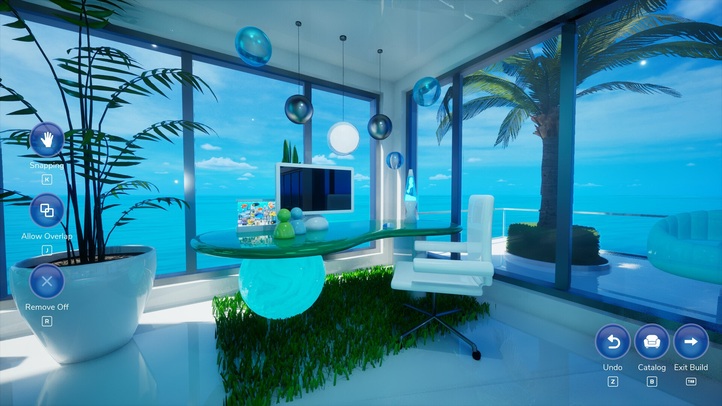
Frutiger Home release date & launch details
Frutiger Home released September 28, 2026 for Windows. The November 2 US Steam listing is $4.99 with no discount. Current 1.0.8 adds Show HUD, Ctrl+H and cursor options; Workshop houses and export fixes are already available.
Read →Updated 2026-11-02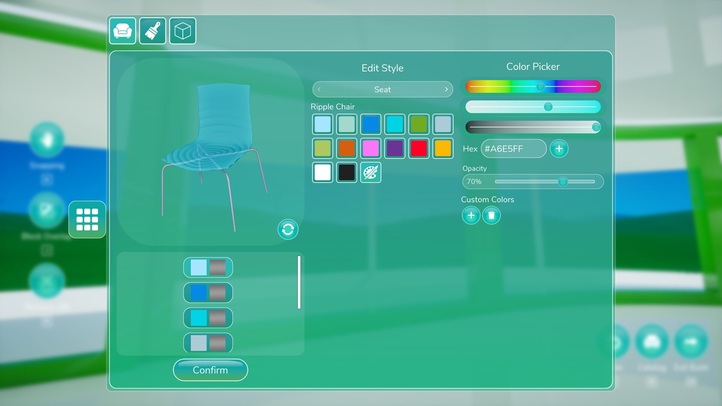 Build
Frutiger Home Decorating & Edit Style
Place furniture, choose its part in Edit Style and confirm the colour. In 1.0.8 use Gameplay → Show HUD or Ctrl+H for a clear picture. Use the main-menu Steam Workshop button to browse or upload houses.
Read →Updated 2026-11-02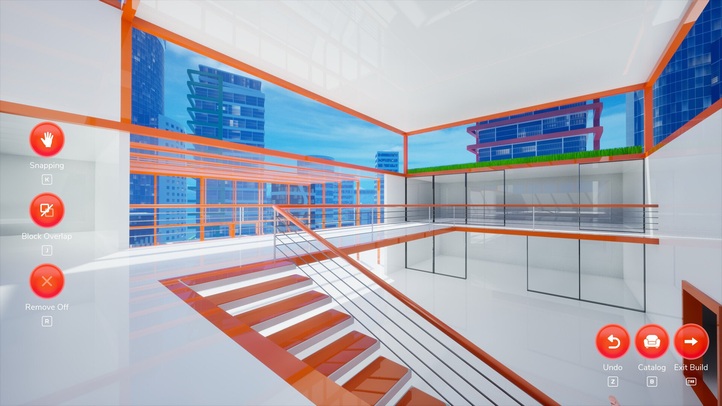 Build
Building walls, windows and doors
Plan one wall opening before furnishing, check its inside and outside alignment, then repeat. Current transform handles work through objects; 1.0.8 fixes selecting/removing some very small decor.
Read →Updated 2026-11-02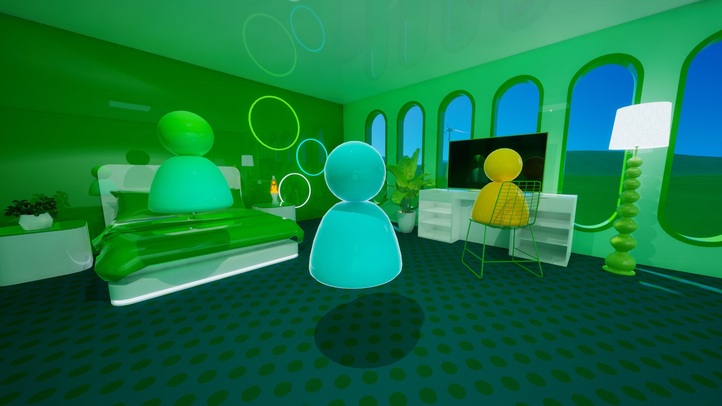 Together
Frutiger Home co-op and multiplayer
Online co-op is available. For room-joining failures, update both copies and capture the exact error; 1.0.2 addresses cross-region entry problems. Receiving shared media needs permission; global music is in settings.
Read →Updated 2026-11-02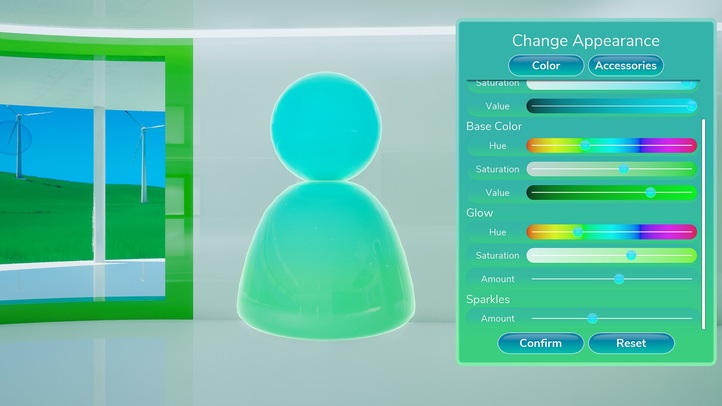 Look
Frutiger Home character customization
Change Appearance has a Color tab and an Accessories tab. The demo did let you restyle the jelly body, and faces are a requested feature.
Read →Updated 2026-11-02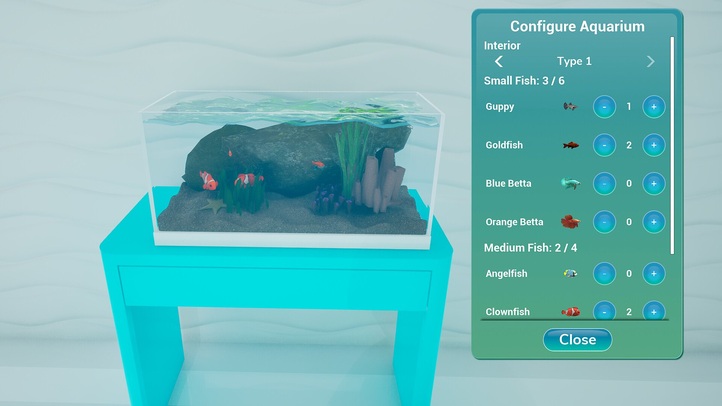 Systems
Frutiger Home aquarium setup
Configure Aquarium opens from the tank: pick an interior, then add or remove fish with the plus and minus buttons. Lights are the fiddly part.
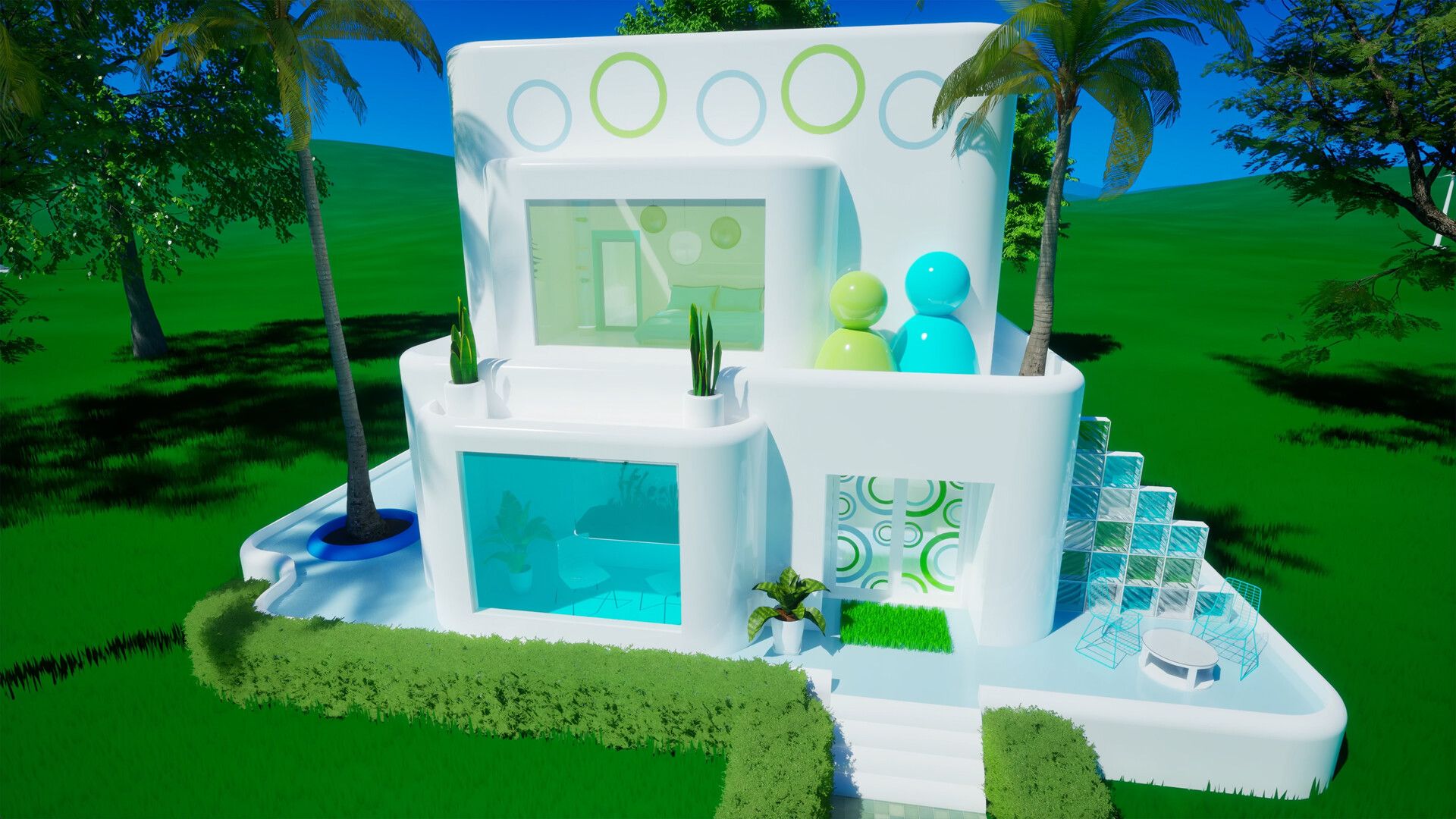
Read →Updated 2026-11-02Frutiger Home is a decorating sandbox by frutigerdev: choose a layout, arrange frutiger aero furniture and hang out with friends. The game released on September 28, 2026. The November 2 US Steam listing is $4.99, with no launch discount remaining.
Choose your next task
- Place and restyle furniture: part selection, current gizmo fixes, saving materials and the Workshop.
- Build around windows and doors: plan one opening, align its surroundings and check both sides before furnishing.
- Join a friend's house: distinguish room entry, receiving media permission and playing music.
- Set up an aquarium: use separate small- and medium-fish capacities in the reference tank.
- Change the jelly character: colour, glow, sparkles and the accessories tab.
- Handle a crash or stuck tool: compare the exact symptom before reinstalling.
Current shortcuts and sharing tools
Gameplay → Show HUD, or Ctrl+H by default, hides all HUD elements in 1.0.8. There is also a setting to turn off the custom cursor. The transform gizmo can be selected through objects, and recent patches fix its pixelation, fan movement and removal of some tiny decor.
The main-menu Steam Workshop button supports house browsing and uploads. Property export/mod creation receives fixes in 1.0.4–1.0.5. Music has a global player in settings, while receiving another player's images or music uses a permission choice. These are separate tasks, even when you are doing them with the same group.

Sources
Return to all guides.