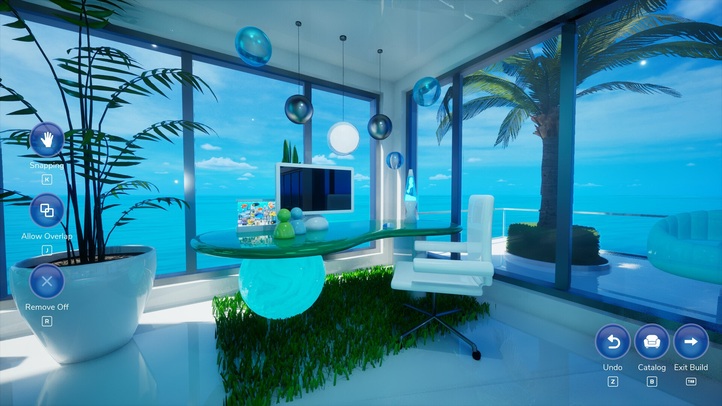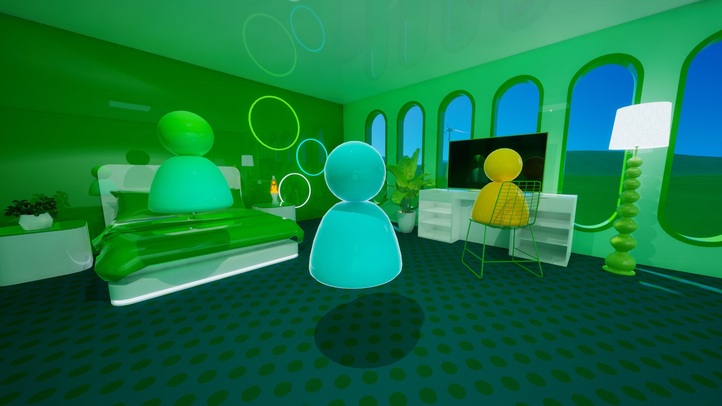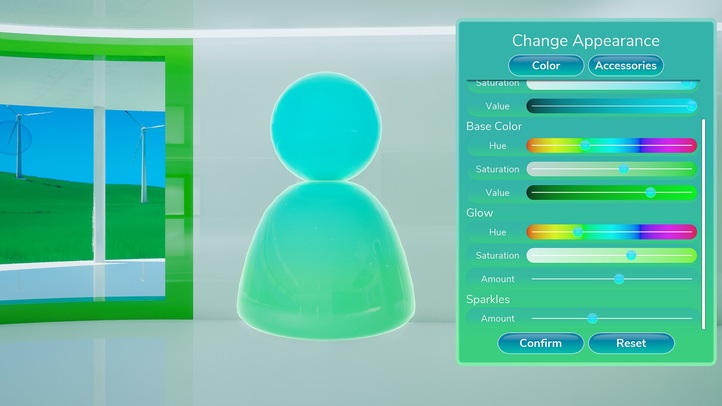
Building walls, windows and doors
Plan one wall opening before furnishing, check its inside and outside alignment, then repeat. Current transform handles work through objects; 1.0.8 fixes selecting/removing some very small decor.
Plan an opening before furnishing
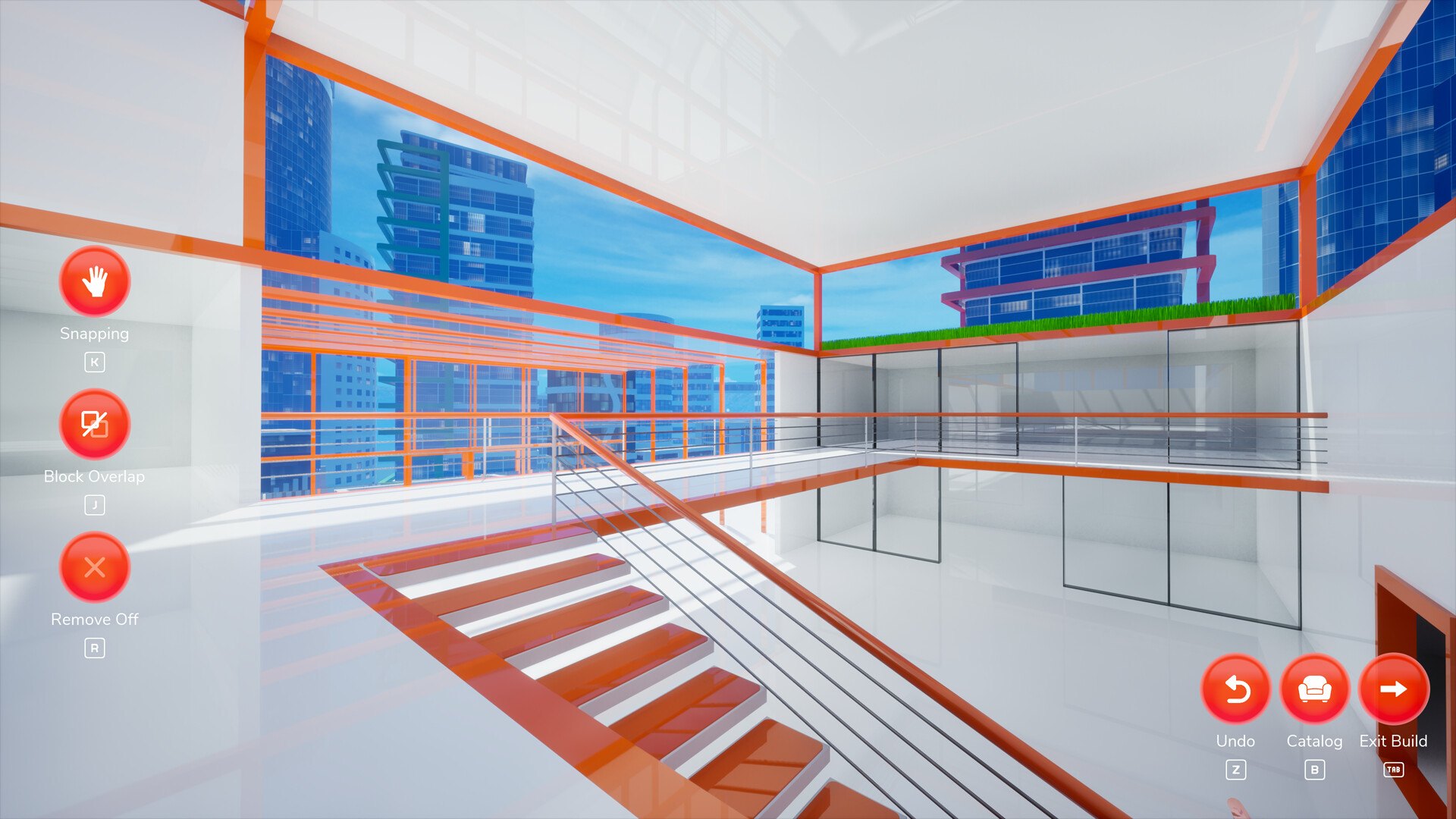
For a wall built from separate sections, reserve the window or door opening before filling the wall around it. Start with one opening, check it from both sides, then repeat the arrangement. This follows the segmented-wall approach described in the August 7 demo discussion; compare it with the tools available in your current layout.
- Choose the opening's position and leave room for its frame.
- Place the surrounding wall sections rather than building a furnished room around a temporary wall.
- Check the outside view as well as the inside view.
- Align nearby furniture only after the opening reads correctly from both sides.
Moving a large wall late in the process can mean repositioning several other pieces. A small test section is an easier starting point than rebuilding an entire decorated floor.
Selecting a handle behind other objects
In 1.0.6, the transform gizmo becomes visible on top of objects and usable through them. Select the intended item and check its handle before moving unrelated furniture away. 1.0.7 fixes a pixelated gizmo on some devices; 1.0.8 fixes the gizmo drifting on fans.
If a very small decoration cannot be removed, update to 1.0.8 and retry: that patch fixes collision problems on some scaled-down decor. This is a selection/removal fix, separate from a wall opening or a new construction tool.
Pools, stairs and fixed decor
1.0.6 prevents grass clipping through the bottom of pools and stairs, fixes some prebuilt fixed-decor material settings failing to save and brightens prebuilt elevators. Use those specific checks when comparing an older screenshot with your current property.
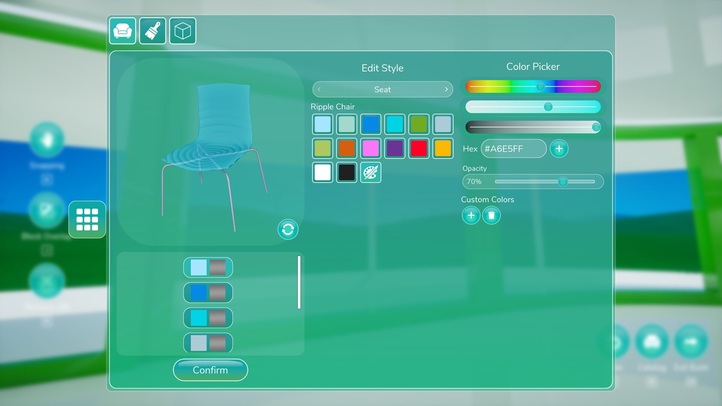
For colour and part selection, use Edit Style. For an actual application crash during construction, use the Fatal Error guide rather than treating every selection problem as a crash.
Export the property after the build
Once the layout is ready, the main menu's Steam Workshop button is the route to browsing and uploading houses. The export/mod fixes are in 1.0.4–1.0.5. Keep track of whether a failure happens while exporting a local property or selecting/uploading it for Workshop; those are different stages.
Sources
- Patch v1.0.8
- Patch v1.0.7
- Patch v1.0.6
- More Export Properties & Steam Workshop Fixes - Patch v1.0.5
- Steam Workshop - Patch v1.0.1
Return to all guides.